
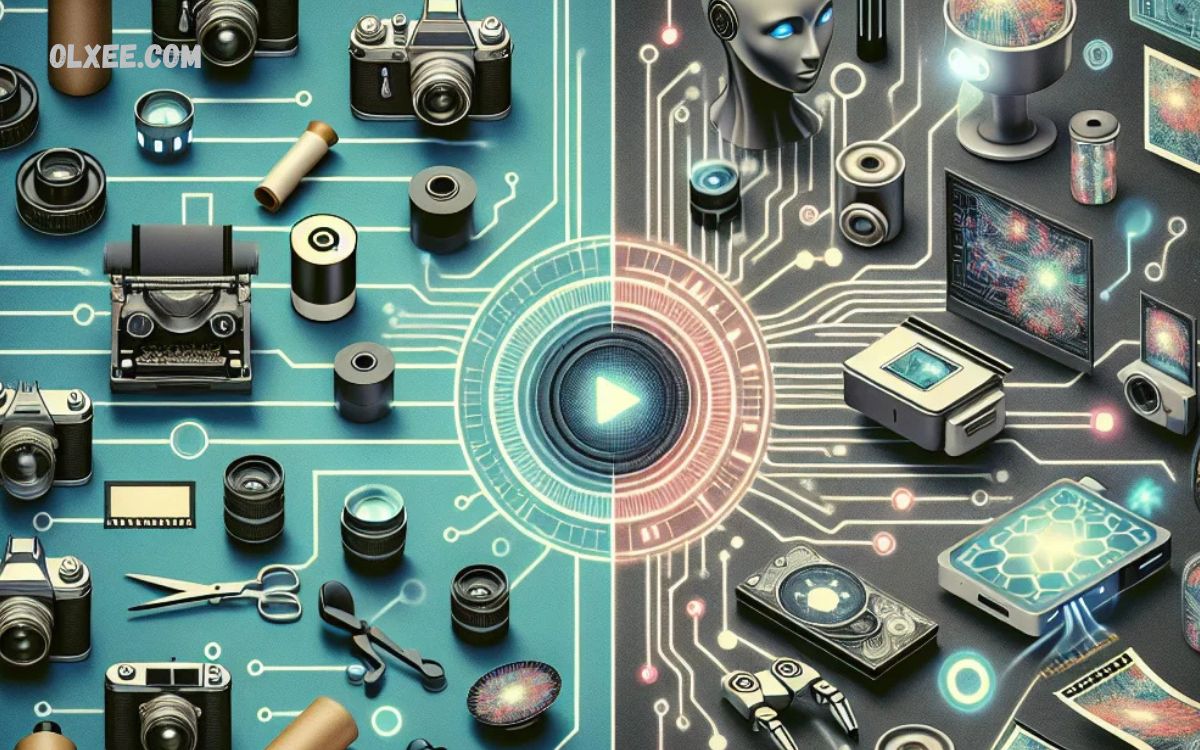
Artificial intelligence has transformed the way people edit photos, making professional-quality results possible without advanced design skills. Whether you’re a content creator, photographer, social media influencer, marketer, or business owner, the best AI photo editing apps can save time while delivering stunning edits in just a few clicks.
From automatic background removal and object erasing to AI-powered retouching, color correction, image enhancement, and creative filters, these smart tools simplify complex editing tasks that once required expensive software and years of experience.
Why AI Photo Editing Matters?
Artificial intelligence has become an essential part of modern digital photography. Instead of manually selecting objects, adjusting colors, or removing unwanted elements, AI analyzes images automatically and applies intelligent enhancements.
Major benefits include:
- Faster editing workflow
- Consistent professional-quality results
- Automatic portrait enhancement
- One-click background removal
- AI object removal
- Image restoration
- High-resolution AI upscaling
- Smart color grading
- Noise reduction
- Easy editing for beginners
Professional photographers can significantly reduce editing time while maintaining excellent image quality.
Features to Look for in an AI Photo Editing App
Before choosing an AI editor, consider these important features:
AI Background Removal
Automatically separates subjects from backgrounds with precision, making product photography and portrait editing much easier.
AI Image Enhancement
Improves sharpness, lighting, colors, and details automatically.
AI Portrait Retouching
Smooths skin, removes blemishes, whitens teeth, adjusts facial features, and enhances portraits naturally.
AI Object Removal
Removes unwanted people, objects, power lines, or distractions with minimal effort.
AI Image Upscaling
Enhances image resolution without sacrificing quality.
Batch Editing
Essential for photographers who edit hundreds of images at once.
RAW File Support
Professional photographers should always choose software capable of editing RAW files.
Best AI Photo Editing Apps for Professional Results
Adobe Photoshop
Adobe Photoshop remains the gold standard for professional photo editing. Its latest AI-powered features, powered by Adobe Firefly, make complex editing incredibly simple.
Key Features
- Generative Fill
- AI Background Removal
- Object Selection
- Sky Replacement
- Neural Filters
- Smart Portrait Editing
- AI Image Expansion
Pros
- Industry-leading editing tools
- Extremely powerful AI capabilities
- Professional-quality output
- Regular feature updates
Cons
- Subscription required
- Learning curve for beginners
Best For
Professional photographers, designers, and creative agencies.
Luminar Neo
Luminar Neo is designed specifically around AI technology, making professional editing simple without sacrificing quality.
Key Features
- AI Sky Replacement
- Relight AI
- Face AI
- Skin AI
- Portrait Bokeh AI
- Structure AI
- Power Line Removal
Pros
- Beginner friendly
- Excellent portrait tools
- One-click enhancements
- Fast editing workflow
Cons
- Some advanced tools require extra purchases
Best For
Portrait photographers and landscape photographers.
Canva AI Photo Editor
Canva has evolved beyond graphic design by integrating powerful AI editing capabilities.
Features
- Magic Edit
- Magic Eraser
- Background Remover
- AI Image Generator
- Auto Enhance
- Resize AI
Pros
- Easy interface
- Cloud-based editing
- Excellent for marketing
- Great collaboration tools
Cons
- Limited professional RAW editing
Best For
Social media creators and marketers.
PhotoRoom
PhotoRoom specializes in AI-powered product photography.
Features
- Instant Background Removal
- Product Image Templates
- AI Shadows
- Batch Editing
- AI Background Generation
Pros
- Excellent for eCommerce
- Very fast editing
- Mobile-friendly
Cons
- Limited advanced editing features
Best For
Amazon sellers, Shopify stores, and online businesses.
Fotor AI
Fotor offers a balance between simplicity and powerful AI editing.
Features
- AI Enhancer
- AI Face Retouch
- AI Background Removal
- AI Image Upscaler
- AI Object Removal
Pros
- Affordable
- Easy to use
- Web-based
Cons
- Free version has limitations
Best For
Beginners and small businesses.
Pixlr
Pixlr combines traditional editing tools with intelligent AI automation.
Features
- AI Cutout
- AI Background Removal
- AI Generative Fill
- AI Face Retouch
- Image Enhancement
Pros
- Browser-based
- Affordable pricing
- Quick editing
Cons
- Less powerful than Photoshop
Best For
Students, freelancers, and content creators.
Read Also: AI Coding Tools: Transforming Modern Software Development for Professionals
Topaz Photo AI
Topaz Photo AI focuses on improving image quality using advanced artificial intelligence.
Features
- AI Sharpen
- AI Noise Reduction
- AI Upscaling
- Face Recovery
- RAW Enhancement
Pros
- Outstanding image quality
- Excellent detail recovery
- Professional results
Cons
- Limited creative editing tools
Best For
Professional photographers.
Remini
Remini is famous for restoring old, blurry, and low-quality photos.
Features
- AI Face Enhancement
- Photo Restoration
- AI Sharpening
- Color Enhancement
Pros
- Excellent restoration quality
- Easy mobile editing
- Fast processing
Cons
- Watermarks on free version
Best For
Restoring old family photos.
Comparison Table
| App | Best For | AI Features | Platform |
|---|---|---|---|
| Adobe Photoshop | Professionals | Excellent | Windows, Mac, Web |
| Luminar Neo | Portraits | Excellent | Windows, Mac |
| Canva | Social Media | Very Good | Web, Android, iOS |
| PhotoRoom | Product Photos | Excellent | Web, Android, iOS |
| Fotor | Beginners | Good | Web, Desktop |
| Pixlr | Quick Editing | Good | Web |
| Topaz Photo AI | Image Quality | Excellent | Windows, Mac |
| Remini | Restoration | Excellent | Android, iOS |
How to Choose the Right AI Photo Editing App
Selecting the right application depends on your workflow and goals.
- If you are a professional photographer, Adobe Photoshop or Topaz Photo AI offers the highest image quality and advanced editing tools.
- For portrait photography, Luminar Neo offers exceptional AI skin retouching, face enhancement, and lighting adjustments.
- If your focus is eCommerce or product photography, PhotoRoom simplifies background removal and product image creation.
- Content creators and marketers benefit from Canva because it combines AI editing with design templates, making it easy to create social media graphics and promotional content.
Beginners who need simple editing without a steep learning curve can start with Fotor or Pixlr.
Tips for Getting Professional Results with AI Editors
Even the most advanced AI tools work best when paired with good photography practices.
- Start with high-resolution images.
- Shoot in RAW format whenever possible.
- Avoid excessive AI enhancements that make photos look unnatural.
- Adjust colors manually after AI edits for greater control.
- Compare before-and-after versions before exporting.
- Keep your software updated to access the latest AI features.
- Use batch editing to save time on large projects.
- Back up your original files before making significant edits.
Combining AI automation with manual refinements often produces the most polished and professional results.
Future of AI Photo Editing
AI photo editing continues to evolve rapidly. Emerging technologies are making editing even more intelligent, allowing users to generate realistic backgrounds, replace objects seamlessly, enhance low-light images, and perform complex retouching with minimal effort.
Future AI tools are expected to offer more personalized editing styles, better understanding of artistic intent, and faster cloud-based processing. As these innovations become more accessible, professionals and beginners alike will benefit from workflows that are both faster and more creative.
Frequently Asked Questions
Are AI photo editing apps suitable for beginners?
Yes. Most AI photo editing apps are designed with user-friendly interfaces and one-click editing features, making them ideal for beginners who want professional-looking results without advanced editing skills.
Can AI photo editors automatically remove backgrounds?
Absolutely. Most modern AI photo editing apps offer automatic background removal that accurately detects subjects and separates them from the background in just a few seconds.
Which AI photo editing app is best for portrait photography?
Luminar Neo and Adobe Photoshop are among the best choices for portrait editing because they provide AI-powered skin retouching, face enhancement, lighting adjustments, and natural beauty enhancements.
Can AI improve low-quality or blurry photos?
Yes. AI-powered tools like Topaz Photo AI and Remini can sharpen blurry images, reduce noise, restore old photographs, and enhance image resolution while preserving important details.
Are free AI photo editing apps worth using?
Many free AI photo editing apps offer excellent basic features such as background removal, image enhancement, and object removal. However, premium versions usually provide higher-quality results, advanced tools, and watermark-free exports.
Do AI photo editing apps support RAW image files?
Several professional AI editors, including Adobe Photoshop and Luminar Neo, fully support RAW image editing, making them suitable for photographers who require maximum image quality and flexibility in editing.
Which AI photo editor is best for social media content?
Canva AI Photo Editor is one of the best options for social media creators because it combines AI-powered editing tools with thousands of ready-made templates for platforms like Instagram, Facebook, and TikTok.
Can AI photo editing replace professional photo editors?
AI significantly speeds up editing and automates repetitive tasks, but professional editors are still valuable for creative decision-making, detailed retouching, and complex projects that require artistic control.
How do I choose the best AI photo editing app?
Choose an AI photo editing app based on your needs, budget, and experience level. Professionals may prefer Adobe Photoshop or Topaz Photo AI, while beginners and content creators may find Canva, Fotor, or Pixlr easier to use and more affordable.
Conclusion
Artificial intelligence has revolutionized photo editing by making professional-quality enhancements accessible to everyone. The Best AI Photo Editing Apps for Professional Results combine speed, accuracy, and powerful automation to simplify tasks that once required extensive expertise.
Adobe Photoshop remains the top choice for professionals seeking comprehensive editing capabilities, while Luminar Neo excels in portrait and landscape photography.
