

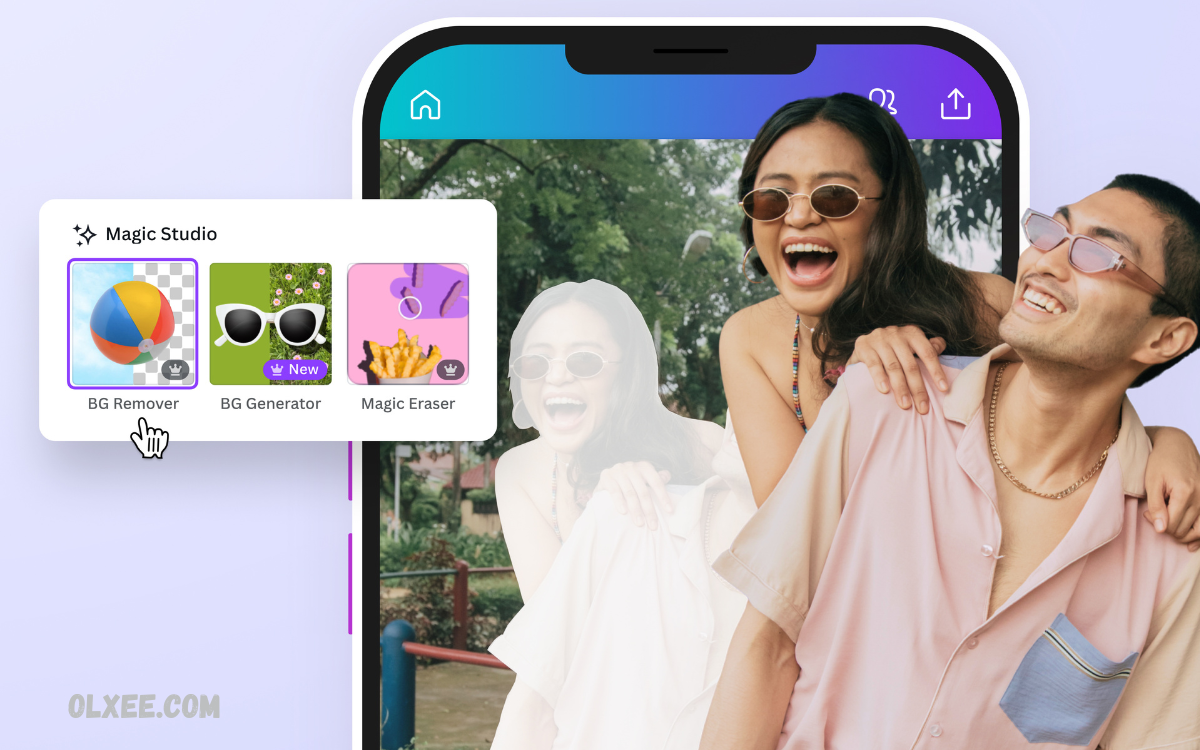
Artificial Intelligence has transformed photo editing, making it easier than ever to create stunning, professional-quality images with minimal effort. Modern AI photo editors use advanced machine learning algorithms to automatically enhance image quality, improve sharpness, remove unwanted objects, correct colors, and upscale low-resolution photos without compromising details.
The latest generation of AI photo editors offers powerful features such as one-click image enhancement, background removal, portrait retouching, noise reduction, image restoration, and creative effects. These tools help users achieve high-quality results without requiring extensive technical knowledge or advanced editing skills.
Why AI Photo Editors Matter?
Traditional photo editing requires technical expertise, advanced software knowledge, and extensive editing time. AI-powered editors simplify complex workflows through automation.
Benefits include:
- Faster editing process
- Professional-quality results
- Automatic image enhancement
- Smart background removal
- High-resolution image upscaling
- Portrait improvement
- Noise reduction
- Image restoration
- Color optimization
- Time-saving workflow
AI tools help professionals and beginners achieve exceptional results with minimal manual adjustments.
Key Features in AI Photo Editors
Before selecting an AI photo editor, consider essential features.
AI Image Enhancement
Automatic optimization improves brightness, contrast, sharpness, color balance, and overall image quality.
AI Upscaling
Image upscaling increases resolution while preserving details and reducing pixelation.
Background Removal
One-click background removal simplifies product photography, marketing materials, and social media content.
Portrait Retouching
AI portrait enhancement improves skin texture, facial features, lighting, and clarity.
Object Removal
Unwanted objects, distractions, blemishes, power lines, and photobombers disappear instantly.
Photo Restoration
Old photographs receive improved sharpness, repaired damage, color restoration, and enhanced detail.
Noise Reduction
Low-light images gain cleaner textures and improved visual quality.
Top AI Photo Editors for High-Quality Image Enhancement
Adobe Photoshop AI
Adobe Photoshop remains an industry-leading solution for professional image editing and enhancement.
Best Features
- Generative AI tools
- Smart object removal
- AI-powered retouching
- Advanced color correction
- High-resolution image enhancement
- Professional editing workflow
Advantages
Photoshop delivers unmatched flexibility, precision, and creative control. Professional photographers, agencies, designers, and content creators rely on Photoshop for advanced editing projects.
Best For
- Professional photography
- Commercial design
- Marketing campaigns
- Advanced image manipulation
Luminar Neo
Luminar Neo combines powerful AI technology with user-friendly editing controls.
Best Features
- Sky replacement
- Face enhancement
- Relight AI
- Portrait enhancement
- Noise reduction
- Background editing
Advantages
Fast workflow, intuitive interface, impressive AI automation, and excellent portrait editing capabilities.
Best For
- Portrait photographers
- Travel photography
- Social media creators
- Wedding photography
Topaz Photo AI
Topaz Photo AI specializes in image quality improvement.
Best Features
- Noise reduction
- AI sharpening
- Resolution enhancement
- Detail recovery
- Image upscaling
Advantages
Exceptional performance for blurry, noisy, low-resolution, and damaged photographs.
Best For
- Wildlife photography
- Sports photography
- Professional image enhancement
- Large print production
Read Also: Top AI Tools for Productivity and Innovation
Canva AI Photo Editor
Canva integrates AI editing tools within a simple design platform.
Best Features
- Background remover
- Magic eraser
- AI image enhancement
- Design integration
- Social media templates
Advantages
Excellent accessibility, beginner-friendly workflow, and efficient content creation.
Best For
- Bloggers
- Small businesses
- Social media managers
- Marketing teams
Fotor AI Photo Editor
Fotor provides an affordable AI editing platform suitable for beginners and professionals.
Best Features
- One-click enhancement
- Portrait retouching
- AI image generator
- Background removal
- Beauty enhancement
Advantages
Simple interface, fast editing speed, affordable pricing, and strong automation.
Best For
- Personal photography
- Content creators
- Influencers
- Small businesses
Remini
Remini focuses on face enhancement and image restoration.
Best Features
- Facial detail recovery
- AI sharpening
- Portrait restoration
- Image enhancement
- Old photo repair
Advantages
Excellent facial enhancement technology and impressive restoration performance.
Best For
- Family photographs
- Portrait enhancement
- Historical image restoration
- Mobile editing
PhotoRoom
PhotoRoom specializes in product photography enhancement.
Best Features
- Background removal
- Product image optimization
- AI shadows
- Marketing templates
- Batch editing
Advantages
Outstanding efficiency for eCommerce sellers and digital marketers.
Best For
- Online stores
- Product photography
- Marketplace listings
- Brand marketing
Pixlr AI
Pixlr combines powerful editing features with cloud-based accessibility.
Best Features
- AI object removal
- AI image enhancement
- Background editing
- Creative filters
- Browser-based editing
Advantages
No software installation requirements and a quick editing workflow.
Best For
- Students
- Bloggers
- Freelancers
- Small businesses
VanceAI
VanceAI delivers specialized image enhancement solutions.
Best Features
- AI upscaling
- Noise reduction
- Photo restoration
- Sharpening technology
- Image denoising
Advantages
Strong focus on image quality improvement and restoration projects.
Best For
- Digital archives
- Historical images
- Photographers
- Designers
BeFunky AI Photo Editor
BeFunky combines creative editing tools with AI-powered enhancements.
Best Features
- Portrait retouching
- AI enhancement
- Artistic effects
- Background removal
- Design tools
Advantages
Balanced combination of creativity and automation.
Best For
- Social media content
- Creative projects
- Personal photography
- Marketing visuals
Choosing the Best AI Photo Editor
Selection depends on editing goals, workflow requirements, budget, and experience level.
Professional Photography
Recommended options:
- Adobe Photoshop AI
- Topaz Photo AI
- Luminar Neo
Social Media Content
Recommended options:
- Canva AI
- Fotor
- BeFunky
Product Photography
Recommended options:
- PhotoRoom
- Canva AI
- Photoshop AI
Image Restoration
Recommended options:
- Remini
- VanceAI
- Topaz Photo AI
Beginner-Friendly Editing
Recommended options:
- Canva AI
- Fotor
- Pixlr AI
Future of AI Image Enhancement
AI photo editing continues evolving through deep learning, computer vision, neural networks, and generative artificial intelligence. Future developments may include:
- Real-time image enhancement
- Automated creative editing
- Advanced image reconstruction
- Intelligent scene optimization
- Enhanced facial restoration
- Ultra-high-resolution upscaling
- Improved video enhancement
- Smart workflow automation
Continuous innovation will further simplify professional image production while increasing quality standards across digital media industries.
Frequently Asked Questions
Are AI photo editors suitable for beginners?
Yes. Tools such as Canva AI, Fotor, and Pixlr AI offer user-friendly interfaces and one-click enhancement features designed for beginners.
Can AI photo editors automatically remove backgrounds?
Yes. Most modern AI photo editors provide automatic background removal tools that accurately separate subjects from backgrounds within seconds.
Which AI photo editor is best for portrait retouching?
Luminar Neo, Remini, and Adobe Photoshop AI are excellent choices for portrait enhancement, skin retouching, facial detail improvement, and beauty editing.
Can AI restore old or damaged photographs?
Yes. AI photo restoration tools can repair scratches, improve clarity, restore colors, and recover details from old or damaged photographs.
Do AI photo editors reduce image noise?
Yes. AI-powered noise reduction technology helps remove grain, improve sharpness, and enhance image quality, especially in low-light photos.
Are free AI photo editors available?
Yes. Canva AI, Pixlr AI, and Fotor offer free plans with basic AI editing features, while premium plans provide advanced enhancement tools.
Why should businesses use AI photo editors?
Businesses benefit from AI photo editors through faster image processing, professional-quality visuals, improved marketing content, enhanced product photography, and stronger brand presentation.
Conclusion
AI photo editors have revolutionized image enhancement through automation, precision, speed, and accessibility. Advanced tools now provide professional-quality results without extensive editing expertise. Adobe Photoshop AI, Luminar Neo, Topaz Photo AI, Canva AI, Fotor, Remini, PhotoRoom, Pixlr AI, VanceAI, and BeFunky represent leading solutions within today’s AI-powered editing landscape.
Each platform offers unique strengths ranging from portrait retouching and background removal to image upscaling, restoration, object removal, and commercial photography enhancement.
